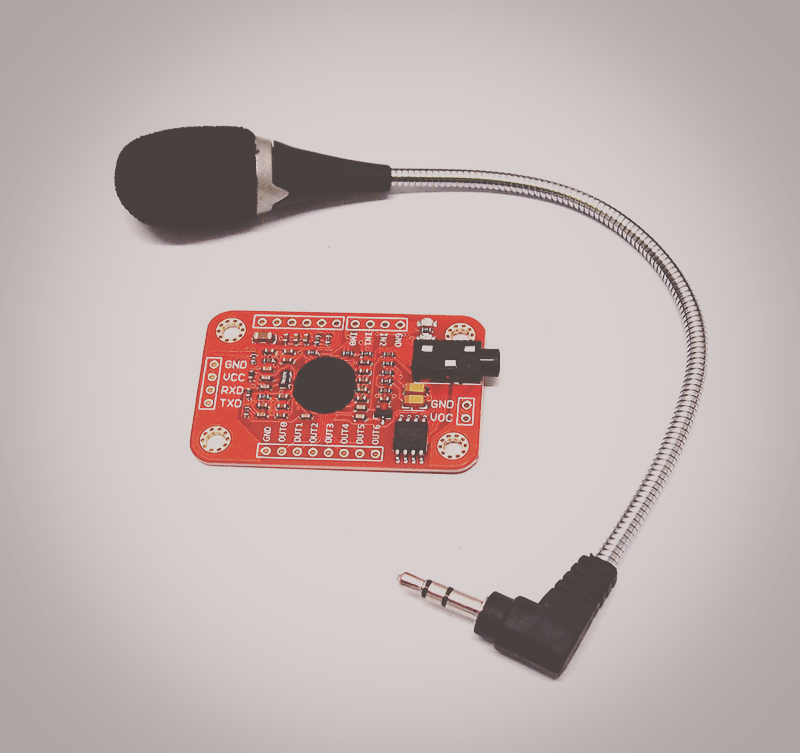
Basic tutorial of how to setup a voice recognition module with the Raspberry Pi. (works offline)
PARTS:
RPI 3 – https://goo.gl/CdVNoH
4 Amp Power Adapter – https://goo.gl/js4Uc7
16GB Micro SD – https://goo.gl/FDqZal
Voice Recognition Kit: https://goo.gl/TgtFk5
(ALT) Voice Recognition Kit: https://goo.gl/HdgVA2
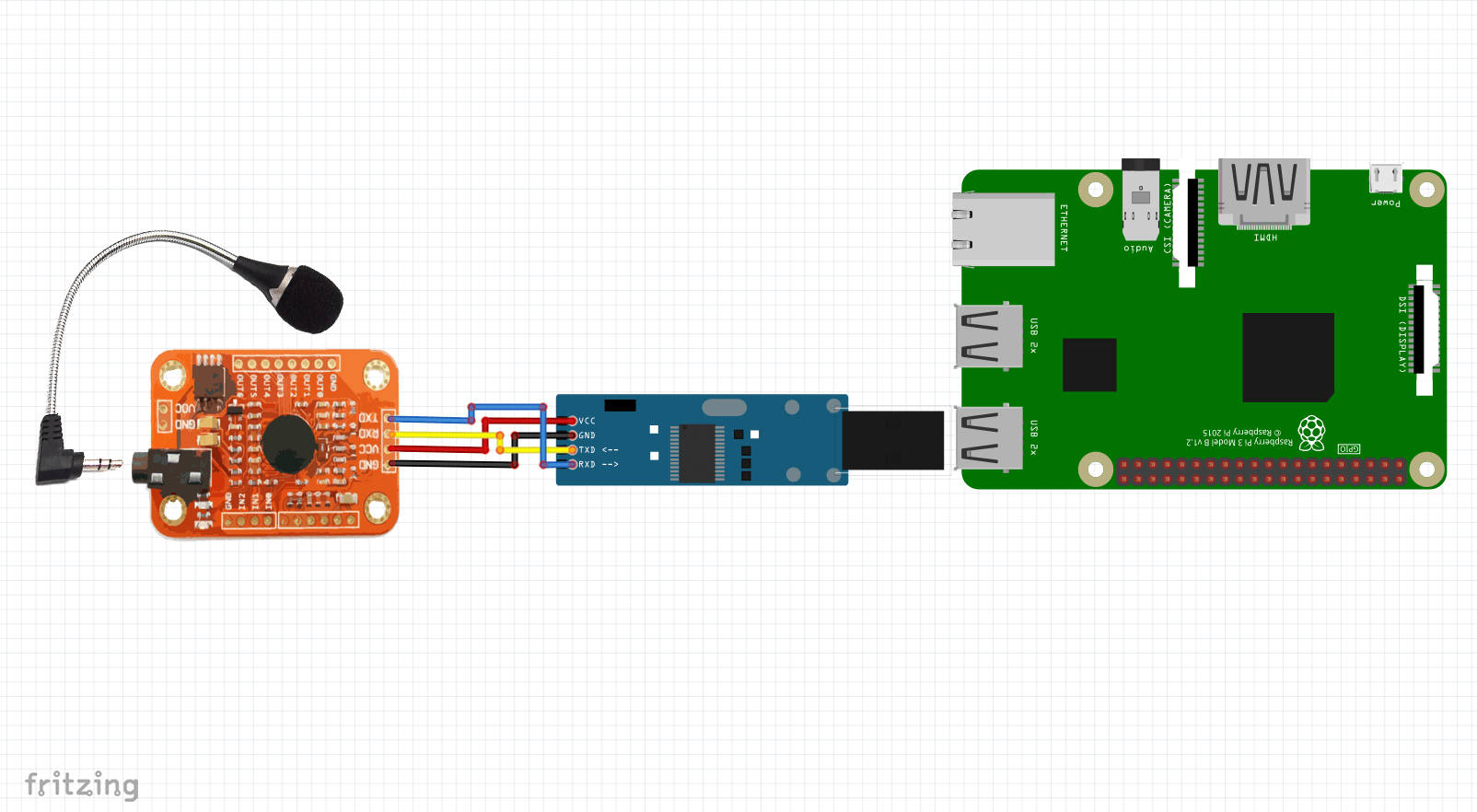
SCHEMATIC:
RECORDING PROCESS:
Follow voice recording process outlined in the videos below:
Follow video at 1:48 – 4:33
or
Follow video at 5:17 – 23:23
Useful Links:
Wiki: http://www.geeetech.com/wiki/index.php/Arduino_Voice_Recognition_Module
User manual: http://www.geeetech.com/wiki/images/6/69/Voice_Recognize_manual.pdf
HTerm: http://www.der-hammer.info/terminal/
AccesPort (Windows): http://www.sudt.com/en/ap/
CoolTerm (MAC): https://www.macupdate.com/app/mac/31352/coolterm
SETUP:
Update Raspberry Pi:
sudo apt-get update
Enable serial interface:
sudo raspi-config
Select “No” on first prompt, and “Yes” on second
Save and Reboot
CODE:
#!/usr/bin/env python3

import time
import serial

# voice command functions
def empty():
  pass


def one():
  print('17')


def two():
  print('18')


def three():
  print('19')


def four():
  print('20')


def five():
  print('21')


if __name__ == '__main__':

    # integers mapped to voice command functions
    commands = {0:empty, 17:one, 18:two, 19:three, 20:four, 21:five}

    # serial settings
    ser = serial.Serial(
        port='/dev/ttyUSB0',
        baudrate=9600,
        parity=serial.PARITY_NONE,
        stopbits=serial.STOPBITS_ONE,
        bytesize=serial.EIGHTBITS,
        timeout=1
    )
    ser.flushInput()

    # run twice to make sure it's in the correct mode
    for i in range(2):
      ser.write(serial.to_bytes([0xAA])) # set speech module to waiting state
      time.sleep(0.5)
      ser.write(serial.to_bytes([0x21])) # import group 1 and await voice input
      time.sleep(0.5)
    print('init complete')

    try:
      while True:
        data_byte = ser.read() # read serial data (one byte)
        int_val = int.from_bytes(data_byte, byteorder='big') # convert to integer
        print(int_val)
        commands[int_val]() # call voice command function
    except KeyboardInterrupt:
      print('Exiting Script')